Household conditions checked 2026-10-18: Netflix does not allow account sharing outside the Netflix Household. A separate account or, where supported, an extra member is an alternative; extra members have plan, country and billing restrictions. A seller-supplied profile must not be assumed to be an official Netflix extra member. Historical seller descriptions are dated 2026-08-17. The scoped 2026-11-05 public-source recheck below does not verify a selected order’s Netflix eligibility or successful access. Netflix official account-sharing and extra-member guidance
Before purchasing, check household and country eligibility, then account control and device rules for the selected product, and finally the actual total before and after BWBK5. Matching profile counts or an accepted code do not establish equivalent access rights. If TV terms are unclear, ask the seller which policy applies to that order. For access or refund issues with an existing order, see the Netflix troubleshooting checklist.
Affiliate disclosure: If you make a purchase through some of the links in this article, 다싸고 may receive a commission, and the amount you pay will not increase.
Last verified: August 17, 2026 (KST) · Based on GamsGo’s official products and help pages and affiliate landing pages. Prices and availability may vary by region, duration, and inventory, so the checkout screen is the final authority.
Key points on GamsGo Netflix discounts
- GamsGo presents Netflix Premium options with either one shared profile or multiple profiles.
- Enter the discount code BWBK5 before payment and directly compare the total before and after applying it.
- The phrase “up to 85% off” shown across the site represents the maximum discount for certain products and periods; it is not a fixed discount rate that always applies to Netflix.
- You should first check household verification, password changes, the number of simultaneous streams, and regional and device compatibility.
Check the current Netflix terms on GamsGo
Difference between 1-profile and 5-profile plans
Public product check: 2026-11-05, KO/USD storefront. GamsGo displayed shared one-profile options and a five-profile exclusive-account option. Its product FAQ says buyers cannot attach their own email and GamsGo manages the email and main settings. A personal profile or PIN therefore does not establish control of account recovery, a top-up to your existing account, or official Netflix extra-member status. GamsGo product and account-control description.
Keep profiles separate from simultaneous streams. GamsGo’s older FAQ claims five devices for its five-profile package, whereas Netflix currently lists four simultaneous devices for Premium. Netflix allows up to five profiles on an account; that is not five concurrent streams. Do not use the seller’s package label to promise five-device viewing. Confirm the actual plan and order conditions. GamsGo pre-sales FAQ · Netflix Premium features · Netflix profiles and streaming.
Check TV support and refund scope for the selected order
Partial recheck: 2026-11-05. GamsGo advertises TV-app access. Its refund policy sets non-TV, one-device use as the default unless purchase-time product details expressly provide an exception. This is not a blanket TV ban, but a public sales claim does not prove the exception or Netflix household eligibility for your order. GamsGo Netflix · GamsGo device and refund policy.
Before paying, keep the selected product’s device limits, seller, warranty, renewal and refund terms. This review did not test TV playback, checkout eligibility or a refund. If the terms do not clearly cover your situation, ask the seller which written conditions apply; do not bypass household verification. For an existing order, follow the Netflix access and refund checklist.
How to apply BWBK5
- Access the GamsGo product page through the affiliate link.
- Select the Netflix product, duration, number of profiles, and region.
- Enter the code BWBK5 on the checkout screen.
- Compare the final currency, total amount, and renewal terms before and after applying the code.
- Save the warranty period, refund and replacement terms, and customer support contact information before paying.
Items to check before purchasing
- Service format: Whether it is an individual account top-up, a shared profile, or an entire account
- Viewing restrictions: The number of devices allowed to stream simultaneously and whether TV use is supported
- Account management: Whether you can change the password and profile name
- Issue resolution: The reset or replacement procedure in the event of household verification or access errors
- Refunds: Whether the refund is issued to the original payment method or provided as compensation in the platform wallet
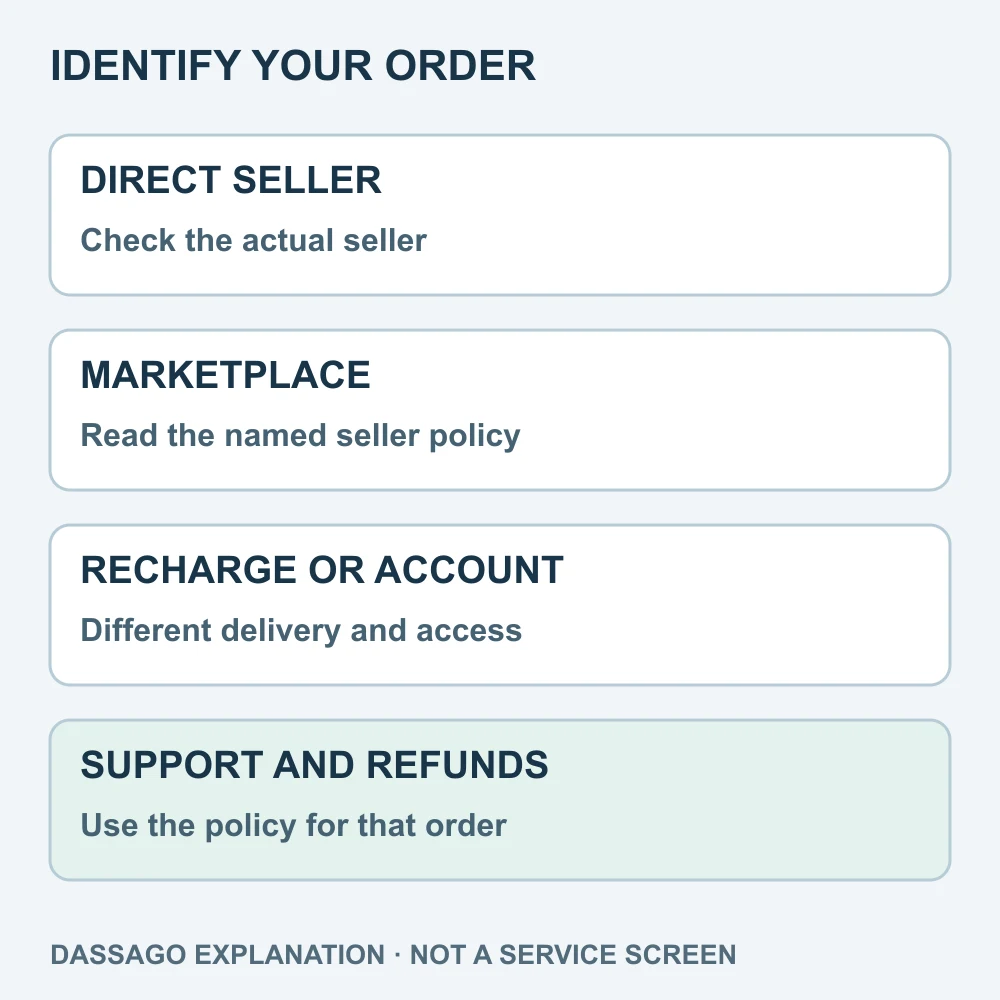
Identify the contract
Record the seller, account delivery method and support policy. A direct subscription, Marketplace order and own-account top-up are different contracts; subscription and warranty periods may differ.
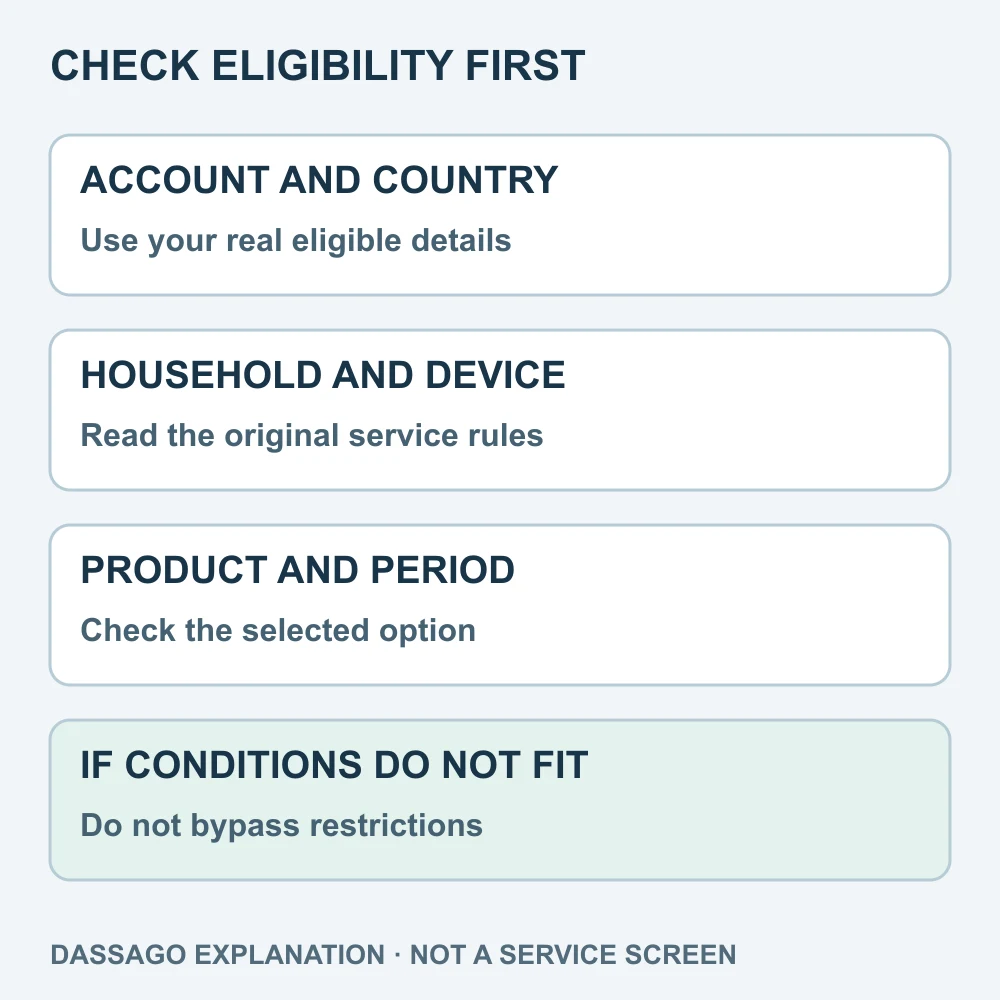
Check eligibility before the code
Check the original service’s country, household, account and device rules. A seller’s description, successful login or accepted code does not establish eligibility. Do not bypass account or security restrictions.
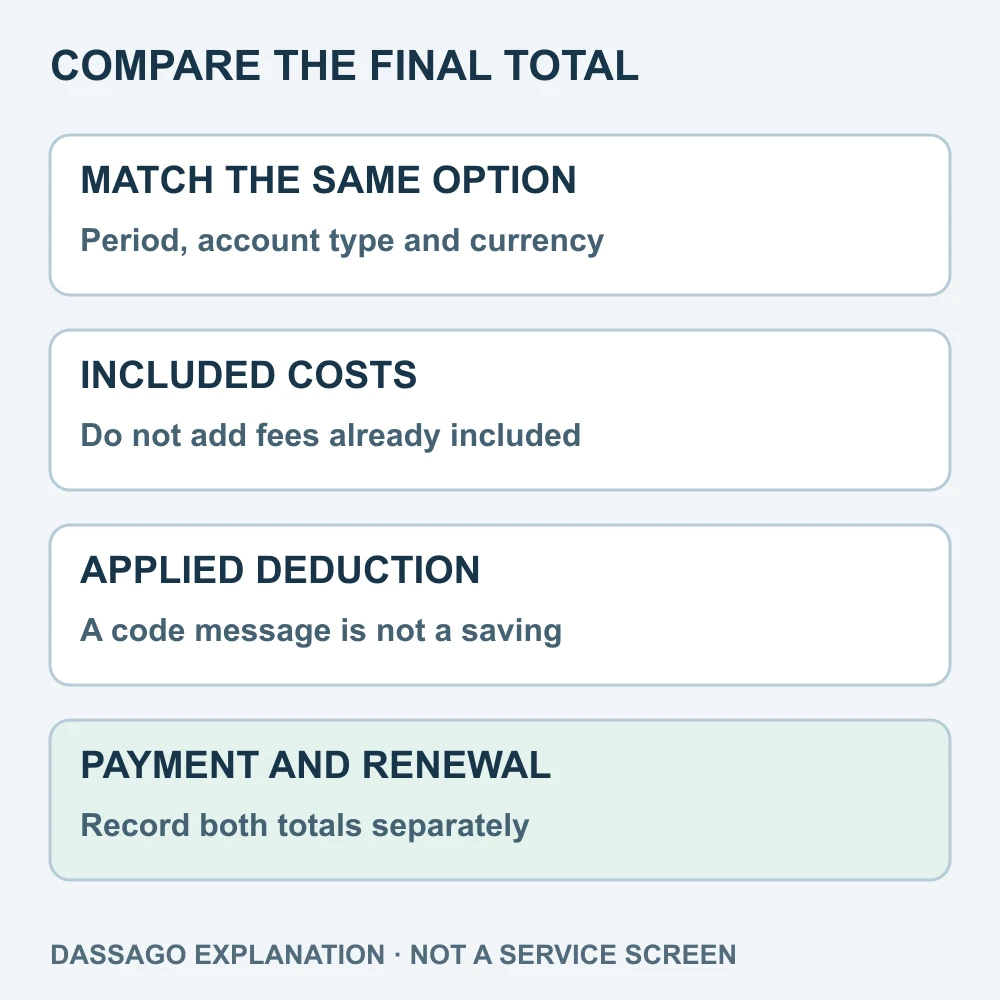
Compare the final total
Match the product, period, currency and options. Separate first payment, monthly equivalent and renewal; do not double-count included fees or future rewards. A dated price or code example is not today’s guaranteed offer.
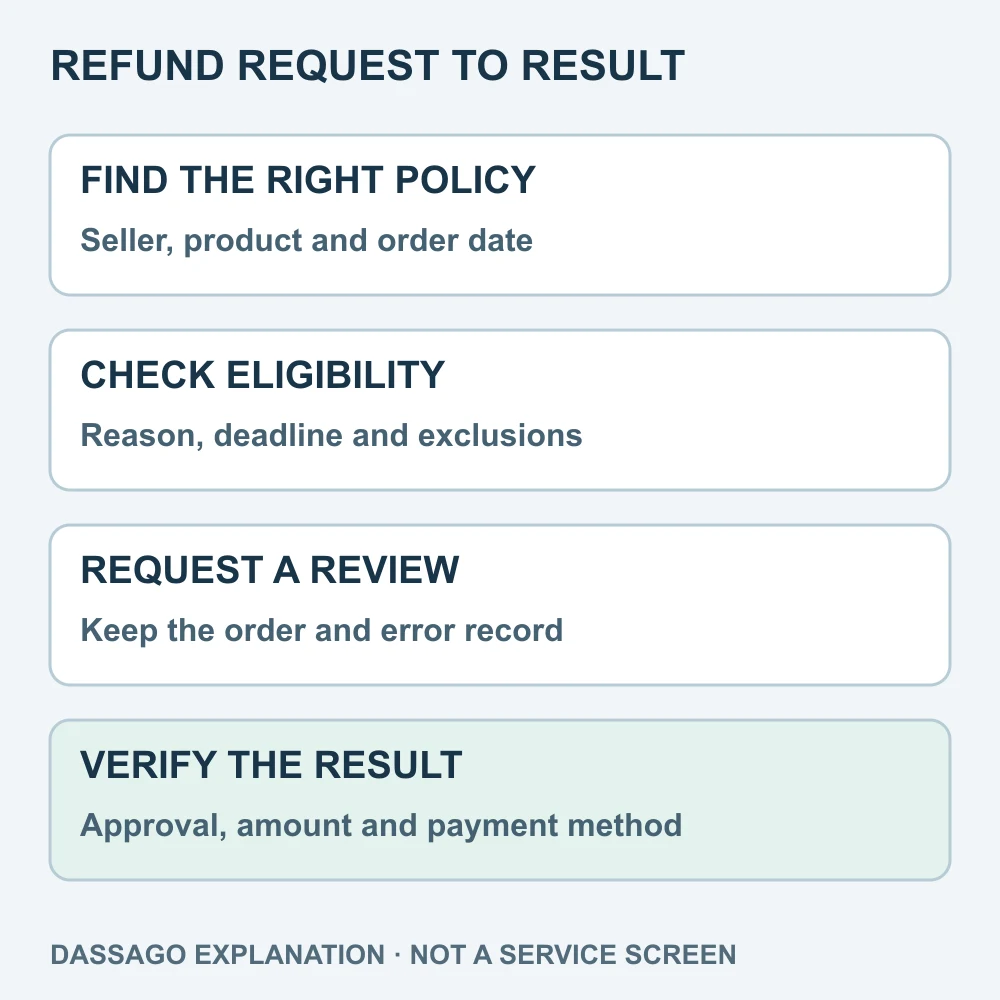
Follow the order’s refund route
Contact the actual seller under the applicable product and warranty terms. Request, review, approval, wallet credit and money received are different states. A discount or remaining subscription period does not guarantee a full refund.
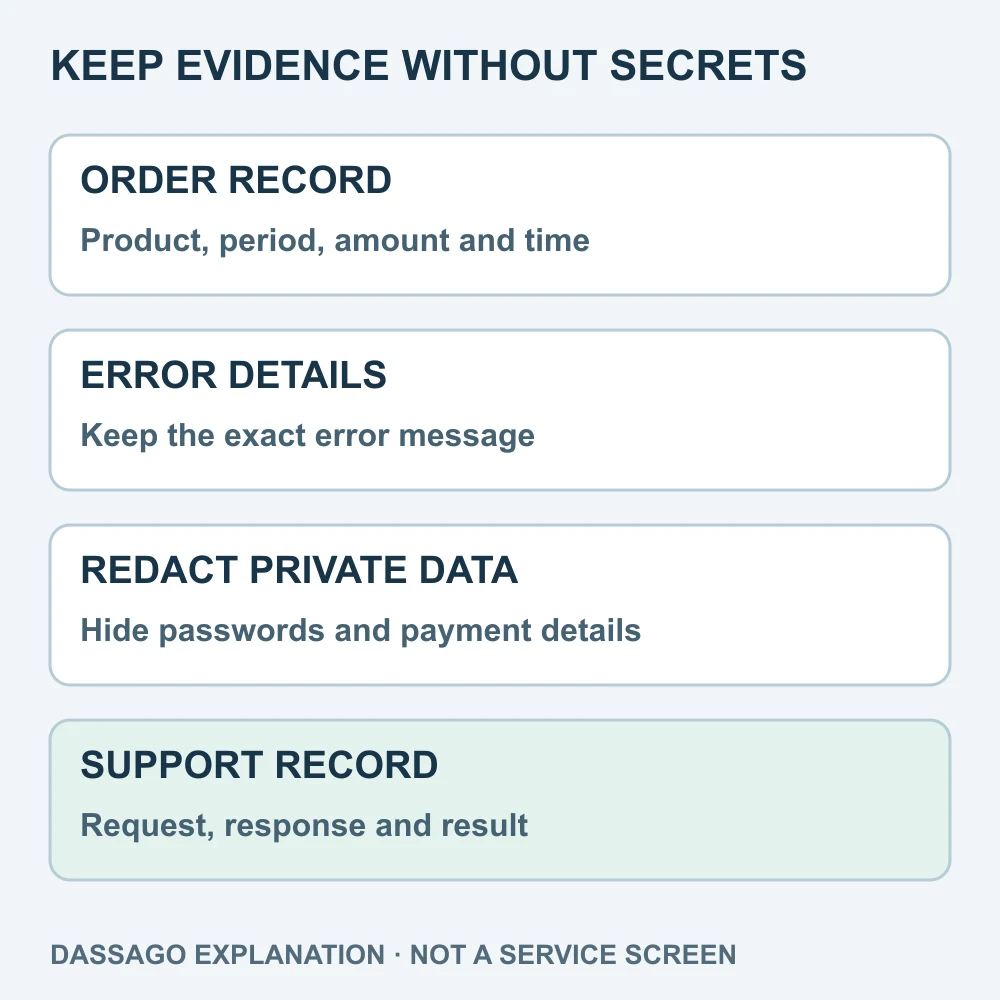
Keep evidence without secrets
Keep the order, amount, error, time and support reference. Redact passwords, one-time codes, full payment details and other people’s data. A refund or account replacement does not prove that previous data was erased.
Household and extra-member guidance partially rechecked: 2026-10-25. A seller-issued profile or full login is not the same contract as an official Netflix extra member. Check country, household and device eligibility separately; the dated 2026-08-17 seller description proves no current compliance or successful access.
GamsGo Netflix Checklist Before Reviews in 2026: Accounts, Household Verification, and Refunds · 7 Things to Check Before Paying for GamsGo
Frequently asked questions
Is Netflix always discounted by 85%?
No. The “up to 85%” claim refers to the maximum discount under specific conditions among all GamsGo products. The actual Netflix discount varies depending on the selected duration, profile, region, and time of payment.
Does BWBK5 apply to all Netflix products?
Eligibility may vary depending on the product, account, and promotion. After entering the code, verify that the total amount has actually decreased.
For the full GamsGo discount structure, see GamsGo Discount Code BWBK5 Guide.